How Many Game Animation Frames Do You Need for Quality Animation?
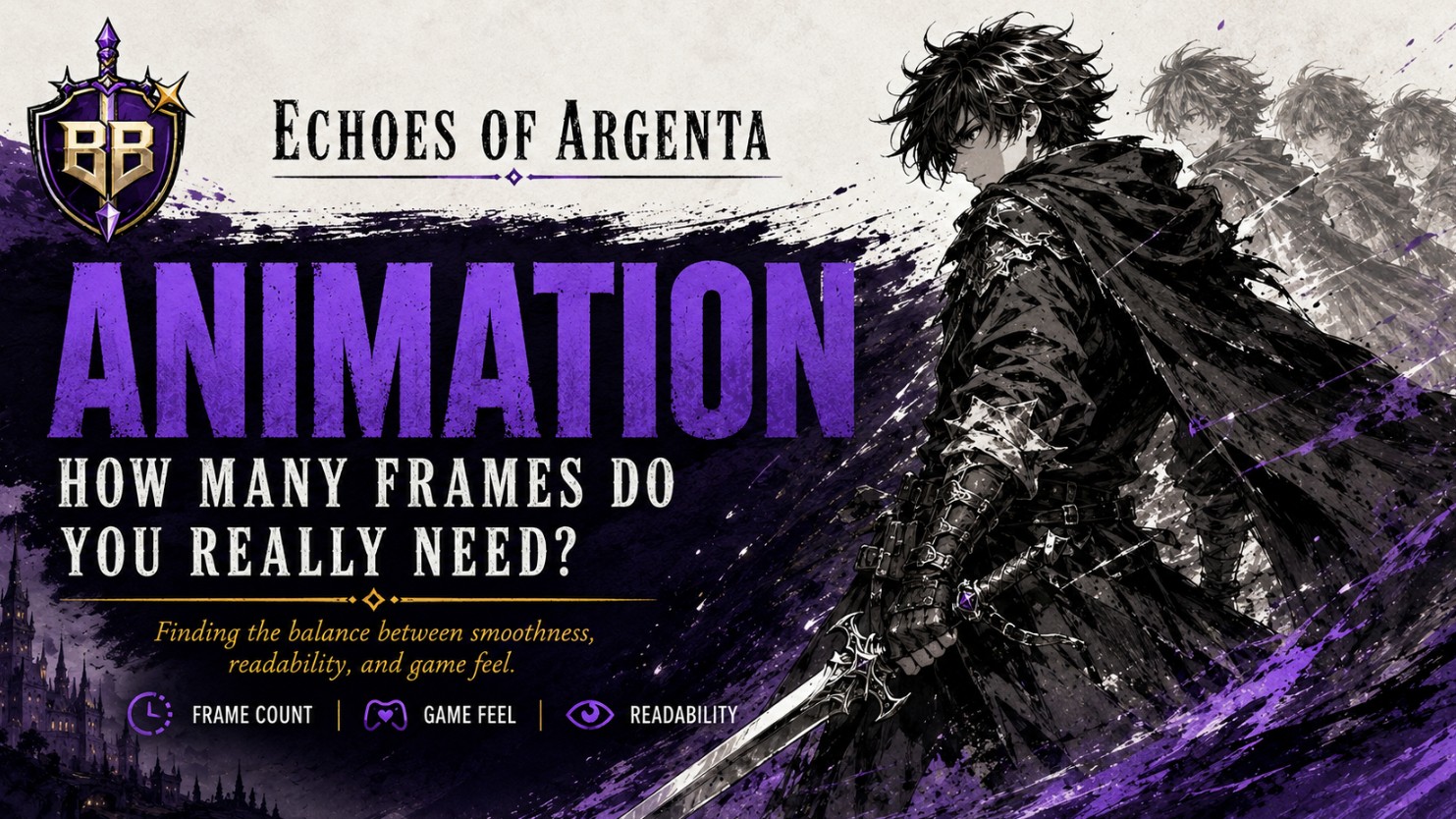
The number of game animation frames you need depends on the action, the art style, the gameplay speed, and how much control the player needs to feel. There is no universal minimum or maximum, but there are practical ranges that work well for most games.
For a small indie game, a walk cycle might work with 4 to 8 frames. A more polished run cycle may need 6 to 12 frames. A detailed attack, dodge, spell cast, or boss animation can use 8 to 24 frames or more depending on the style. Quality is not about adding endless frames. It is about making each frame readable, intentional, and useful to the player.
Affiliate disclosure: no affiliate link was provided for this article, so no sponsored product links are included.
Quick Answer: How Many Game Animation Frames Are Enough?
For most 2D game animations, you can think in ranges instead of fixed rules:
| Animation Type | Common Frame Range | What Matters Most |
|---|---|---|
| Idle animation | 2 to 8 frames | Personality, breathing, subtle motion |
| Walk cycle | 4 to 8 frames | Rhythm, foot placement, readability |
| Run cycle | 6 to 12 frames | Speed, impact, loop quality |
| Basic attack | 5 to 12 frames | Anticipation, hit frame, recovery |
| Special attack or ability | 10 to 24+ frames | Clarity, timing, gameplay feedback |
| Death or defeat animation | 8 to 20+ frames | Weight, readability, emotional tone |
A clean 6-frame animation can feel better than a messy 20-frame animation. The real question is not “How many frames can I add?” but “How many frames does this action need to communicate clearly?”
There Is No True Minimum, But There Is a Readability Limit
Technically, one frame can represent an action. A character can stand, jump, attack, or take damage with a single pose. Early prototypes often work this way because the goal is to test mechanics before polishing the art.
But for a finished game, one frame usually feels stiff unless the art direction is intentionally minimal. The moment the player needs to understand movement, direction, danger, attack timing, or character personality, you need more visual information.
A practical minimum is usually:
- 2 frames for very simple blinking, flickering, or small idle movement.
- 4 frames for a basic walk or simple loop.
- 6 to 8 frames for movement that needs to feel smoother and more readable.
- 8 to 12 frames for attacks, jumps, dodges, and reactions that affect gameplay timing.
The lower the frame count, the stronger your key poses need to be. With fewer frames, each drawing has to carry more meaning.
Is There a Maximum Number of Game Animation Frames?
There is no fixed maximum for game animation frames, but there is a point where extra frames stop helping. More frames can make an animation smoother, but they can also make the action feel slow, soft, or unresponsive if the timing is not controlled well.
This matters a lot in games because animation is not only visual. It affects how the player reads danger, presses buttons, reacts to enemies, and understands when an action begins or ends.
Too many frames can create problems when:
- The attack takes too long before the hit actually happens.
- The player feels locked into an animation after pressing a button.
- The movement looks smooth but loses impact.
- The animation becomes expensive to produce without improving gameplay.
- The visual style starts to feel inconsistent with the rest of the game.
A good maximum is not a number. It is the point where the animation is clear, stylish, and responsive without becoming overproduced.
The Difference Between Animation Frames and Game FPS
One common confusion is mixing up animation frames with game FPS. They are related, but they are not the same thing.
| Term | What It Means | Example |
|---|---|---|
| Animation frames | The individual drawings, sprites, or poses used in one animation. | A run cycle with 8 drawn frames. |
| Game FPS | How many times the game updates or renders per second. | A game running at 60 frames per second. |
| Animation timing | How long each animation frame stays on screen. | Holding one sprite frame for 4 game frames. |
A game can run at 60 FPS while a character animation uses only 6 or 8 unique drawings. Many polished games do this intentionally. Smooth gameplay does not always require high-frame-count animation.
Why Fewer Frames Can Sometimes Look Better
More frames are not automatically better because games rely on strong visual communication. In animation, clarity often comes from contrast: stillness before movement, anticipation before impact, and recovery after action.
A punch with too many in-between frames may look fluid, but it can lose force. A sword slash with a strong anticipation pose, one clear hit frame, and a sharp recovery may feel better even with fewer drawings.
This is especially true for pixel art, arcade-inspired action games, platformers, fighting games, and retro-style RPGs. These styles often benefit from animation that is snappy, readable, and slightly exaggerated.
The Common Misunderstanding About Game Animation Frames
A lot of beginners assume that quality means smoothness. That is only partly true. Smoothness helps, but readability matters more than raw frame count.
In a game, the player usually needs to understand three things quickly:
- What is happening? Is the character walking, attacking, charging, dodging, or taking damage?
- When does it matter? Which frame is the hit, jump, landing, block, or cancel point?
- What should the player do? React, move, attack, wait, defend, or reposition?
If the animation is smooth but unclear, it is not doing its job. If it is simple but readable, it can still feel professional.
How to Choose the Right Frame Count for Your Game
The best frame count comes from the function of the animation. A background torch, a main character attack, and a boss transformation do not need the same amount of attention.
1. Start With the Gameplay Purpose
Ask what the animation does for the player. A decorative idle loop can be simple. A dodge roll needs clear startup, active movement, and recovery. An enemy attack needs to warn the player before it becomes dangerous.
2. Build Around Key Poses First
Before adding in-between frames, create the important poses. For example, an attack animation usually needs:
- Anticipation: the character prepares the action.
- Action: the hit, slash, shot, jump, or impact happens.
- Recovery: the character returns to control or continues into another state.
Once those poses read clearly, you can add frames only where the motion feels too abrupt.
3. Test It Inside the Game, Not Only in the Art Tool
An animation can look beautiful in an editor and feel wrong during gameplay. Always test it with movement speed, collision, controls, enemies, camera behavior, and real player input.
The game itself will tell you whether the animation needs more frames, fewer frames, faster timing, or stronger poses.
Frame Count Guidelines by Game Style
Different genres use animation differently. A cozy farming game can afford soft, charming loops. A precision platformer needs instant readability. A fighting game needs exact timing and strong silhouettes.
| Game Style | Animation Priority | Frame Count Approach |
|---|---|---|
| Platformer | Fast readability and responsive movement | Use fewer, clearer frames with strong timing. |
| Action RPG | Combat feedback and character weight | Use more frames for attacks, abilities, and reactions. |
| Turn-based RPG | Personality, spell effects, readable actions | Spend frames on signature moves and character identity. |
| Fighting game | Timing, anticipation, recovery, competitive clarity | Frame count must support exact gameplay timing. |
| Horror game | Atmosphere, tension, unnatural movement | Use timing carefully; imperfect motion can be intentional. |
Broken Build Perspective: Animation Is Game Feel, Not Decoration
The best way to think about game animation is not as decoration. Animation is part of game feel. It tells the player when an action starts, when control is lost, when danger appears, and when feedback has landed.
That is why a small indie character with only a few frames can feel great when the timing is sharp. The player does not count frames while playing. They feel whether the jump responds correctly, whether the attack has impact, and whether the character belongs in the world.
A useful production rule is this: spend your frames where the player makes decisions. Movement, combat, hazards, enemy tells, and important reactions deserve more care than background details the player barely notices.
A Practical Workflow for Better Game Animation Frames
If you are making your own game, start simple and improve through testing. Do not begin by trying to animate everything perfectly.
- Create a rough version with only the key poses.
- Put it inside the game engine as early as possible.
- Test it with real movement and input, not only as a looping preview.
- Adjust timing first before adding more drawings.
- Add frames only where clarity or feel improves.
- Compare it with the rest of your animations so the style stays consistent.
This approach prevents wasted work. It also helps your animation support the design instead of fighting against it.
When You Should Add More Frames
Add more frames when the animation feels confusing, too abrupt, or too mechanically sharp for the style of the game.
More frames are useful when:
- A movement looks like it teleports instead of travels.
- The player cannot read when an attack begins.
- A character feels weightless when they should feel heavy.
- A boss, spell, or special move needs more visual importance.
- The animation style is meant to feel fluid and expressive.
When You Should Use Fewer Frames
Use fewer frames when responsiveness, style, or clarity is more important than smoothness.
Fewer frames may be better when:
- The player needs immediate control.
- The game has a retro or pixel art style.
- The animation feels floaty or slow.
- The action needs stronger impact.
- The production scope is too large for highly detailed animation.
This is where smart art direction matters. A consistent low-frame style can look intentional. An inconsistent frame count across animations can make the game feel unfinished.
FAQ
How many frames do I need for a walk cycle in a game?
A basic walk cycle can work with 4 frames, while a smoother one often uses 6 to 8 frames. The most important part is clear foot placement and consistent rhythm.
Is 4 frames enough for game animation?
Yes, 4 frames can be enough for simple loops, retro-style movement, or early prototypes. For attacks, reactions, and more expressive movement, you may need more frames.
Do more frames make a game animation better?
Not always. More frames can make motion smoother, but they can also reduce impact or responsiveness. Strong poses and good timing matter more than frame count alone.
Should my game animations match 60 FPS?
No. Your game can run at 60 FPS while using animations with far fewer unique frames. Animation timing controls how long each drawing stays on screen.
What is the best frame count for attack animations?
Many basic attacks work well with 5 to 12 frames. What matters most is having clear anticipation, a readable hit moment, and recovery that feels fair to the player.
What This Reveals About Good Game Animation
Good game animation is not about reaching a magic number. It is about matching frame count to purpose. A tiny idle loop, a fast dodge, a heavy sword swing, and a dramatic boss entrance all ask for different timing decisions.
The safest rule is simple: start with the fewest frames that communicate the action clearly, then add only what improves feel, readability, or style. That keeps your game animated with intention instead of unnecessary workload.
If you are building your own game, test your animations in-engine as soon as possible. The real quality check is not how smooth the animation looks in isolation, but how good it feels when the player is actually controlling the game.